The Rise of Ambient Computing in 2026
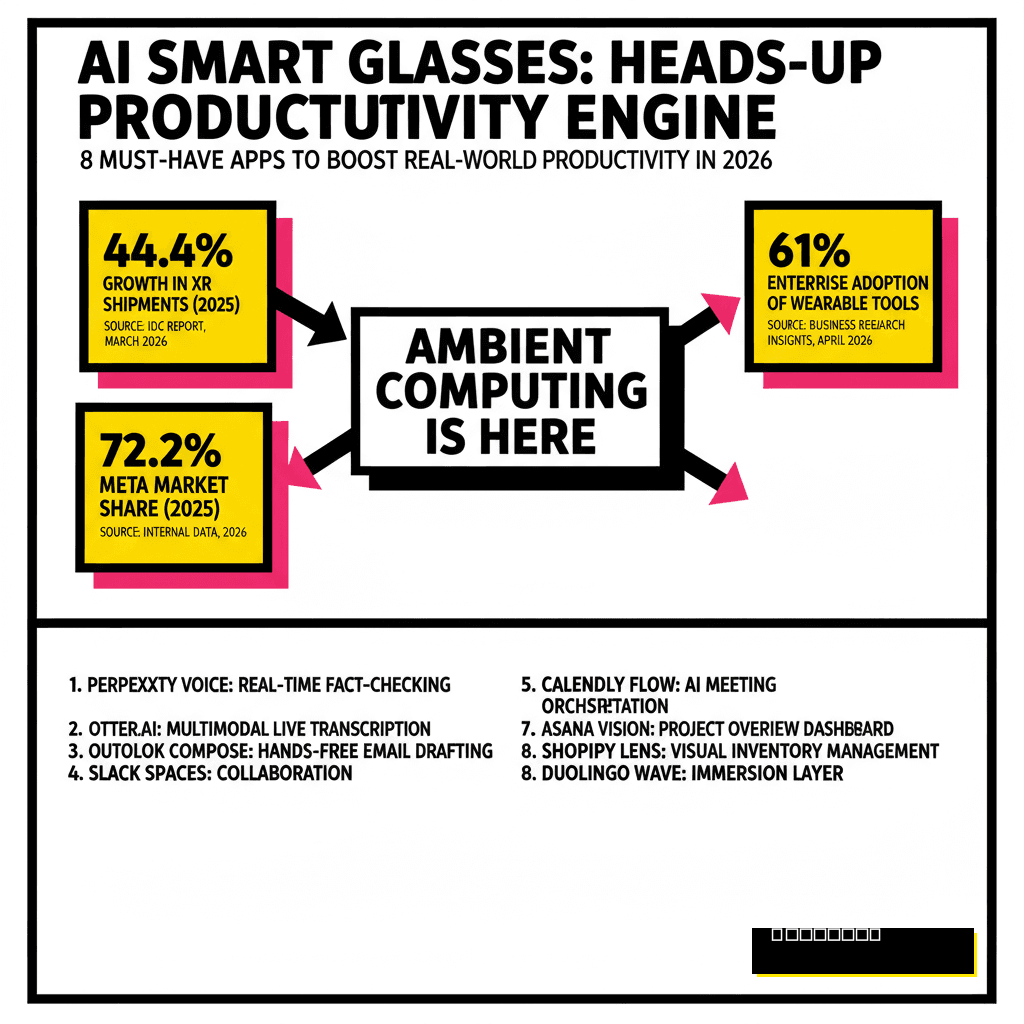
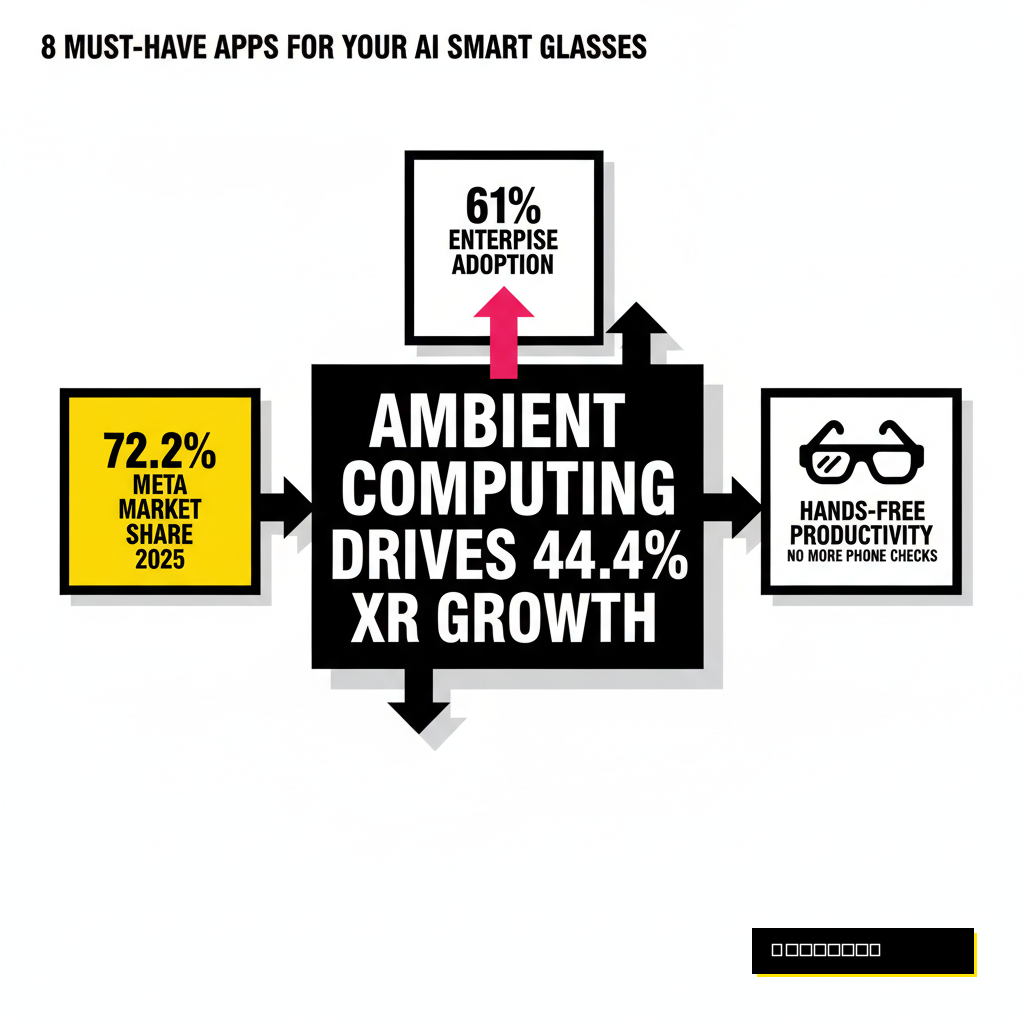
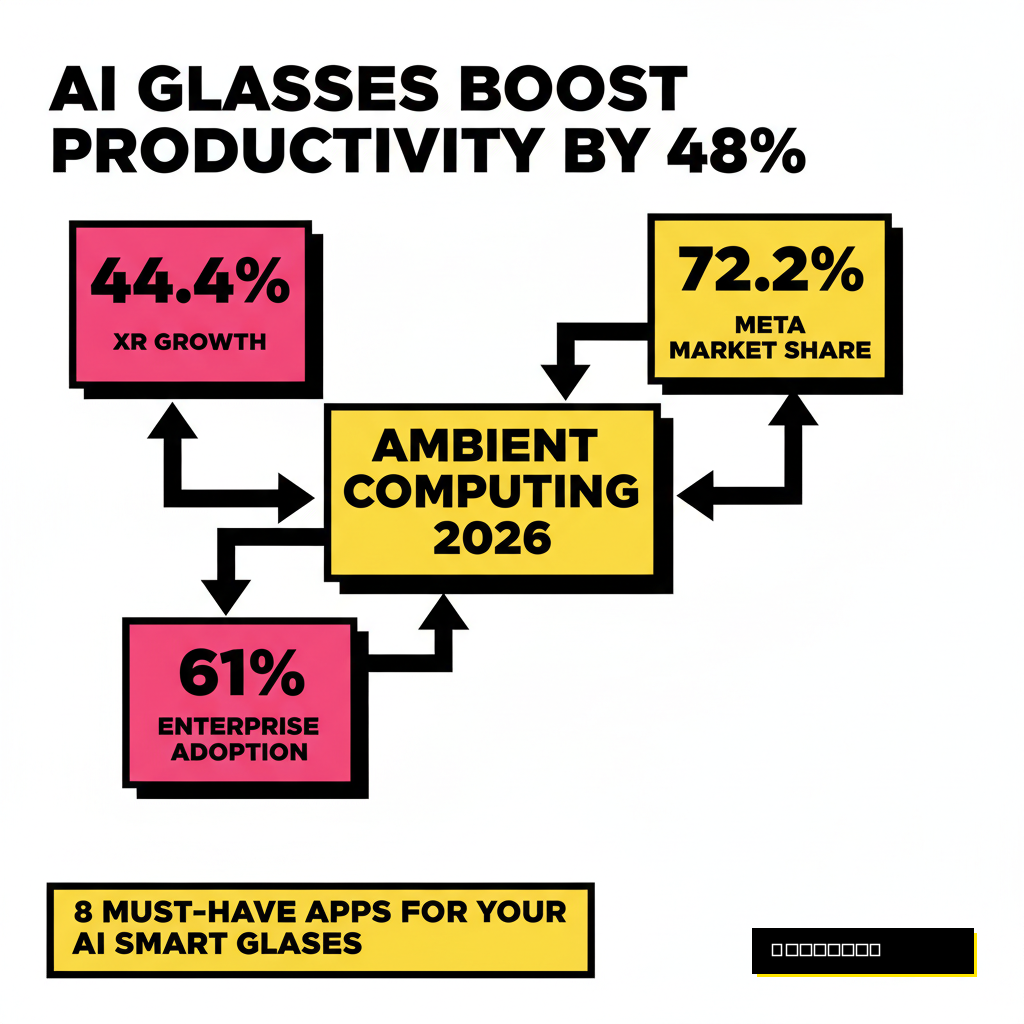
Wearing hardware on your face has finally moved past the early adopter phase. According to a March 2026 IDC report, global extended reality shipments grew 44.4 percent in 2025, with lightweight smart glasses leading the charge. Most creators have traded bulky headsets for sleek frames like the Even Realities G1 or the Meta Ray-Ban Gen 3. These devices no longer just take photos. You now have access to a full suite of ambient applications that keep your hands free and your eyes on your work. High-performance creators use these tools to bridge the gap between digital planning and physical execution. Instead of checking a phone every thirty seconds, you can stay present while your AI assistant handles the background noise.
1. Perplexity Voice: Real-Time Fact Checking
Search has evolved into an conversational experience that lives in your ears and on your lenses. Perplexity Voice now features deep OS-level integration on devices like the Samsung Galaxy S26, allowing you to trigger research with a simple voice command. You can ask for complex data points while recording a video or mid-conversation without breaking eye contact. This application provides cited sources directly in your heads-up display, ensuring you never misquote a statistic again. Many creators are already adjusting their content for these platforms. If you want to understand how to optimize your own brand for this new search era, you should review our guide on 8 AEO tactics to rank #1 in Perplexity and SearchGPT. Reliability is the new currency in 2026, and having an instant research layer gives you a massive advantage over those relying on memory.
2. Otter.ai: Multimodal Live Transcription
Capturing ideas in the moment used to require a frantic scramble for a notepad or a phone app. Otter.ai for smart glasses solves this by providing a persistent, hands-free transcription layer. The app uses the dual-microphone arrays in modern frames to isolate your voice and the voices of those you are interviewing. In 2026, the software has advanced to include visual context markers. If you look at a specific object while speaking, the AI tags the transcript with a visual reference. You can then export these notes directly into your project management suite. Business Research Insights reported in April 2026 that 61 percent of enterprises have integrated similar wearable documentation tools to reduce administrative overhead. For creators, this means every walk or commute becomes a productive brainstorming session without the friction of typing.
Voice-Only Notes
- Prone to context loss
- Requires manual tagging
- Hard to search later
Smart Glasses Sync
- Visual context included
- Automatic speaker ID
- Real-time HUD display
3. Private Llama: Secure Local Intelligence
Privacy concerns often prevent creators from using cloud-based AI for sensitive projects. The Private Llama app allows you to run a 17B parameter Llama-4 Scout model directly on your glasses or a tethered local hub. This setup ensures that your proprietary ideas and private conversations never leave your local hardware. You can process visual data and receive architectural advice or coding help without an internet connection. Most users prefer this for high-stakes client work where data sovereignty is a legal requirement. We have previously detailed the technical requirements for this in our post on 6 no-code tools to deploy your own private Llama-4 instance locally. Using local edge computing reduces latency significantly compared to cloud models. You get near-instant responses even in areas with poor cellular coverage.
4. Teleprompter HUD: Seamless Script Reading
Vlogging and public speaking are much easier when your script is floating right in front of your eyes. Teleprompter HUD uses waveguide technology to project your talking points into your field of vision without blocking the environment. The software tracks your speech rate and automatically scrolls the text to match your natural pace. This app eliminates the need for bulky physical teleprompters or the awkward look of reading from a phone off-camera. You can maintain perfect eye contact with your audience while delivering complex technical information flawlessly. Professional streamers are using this tool to manage live chat overlays while they move around their studios. It creates a more engaging experience for the viewer because the creator never looks away from the lens. Setup takes less than a minute through a simple QR code sync.
Setup Steps
- 1. Sync script via mobile app
- 2. Calibrate eye-line height
- 3. Enable voice-sync scrolling
Key Features
- Variable opacity text
- Gesture-based speed control
- Multi-language support
5. Notion AI: Contextual Knowledge Retrieval
Your entire knowledge base is now accessible through a glance. Notion AI for smart glasses allows you to pull up specific project details or client preferences using visual triggers or voice search. If you are on a film set or in a workshop, you can look at a piece of equipment and ask for the specific setup instructions stored in your workspace. The app uses the camera to recognize your environment and suggests relevant pages from your database. You no longer need to stop what you are doing to find information. This application integrates deeply with other workplace tools to provide a unified view of your tasks. It also supports gesture-based navigation, allowing you to swipe through pages using the side of your frames. Keeping your workflow continuous is the primary benefit here.
| Feature | Notion AI Wearable | Standard Mobile App |
|---|---|---|
| Input Method | Voice/Visual | Keyboard/Touch |
| Interaction | Hands-Free HUD | Two-Handed Device |
| Context Awareness | High (Vision-Based) | None |
6. Remote Assist: See-What-I-See Collaboration
Working with a remote team often leads to communication breakdowns when describing physical objects. Remote Assist apps for smart glasses allow you to stream your exact point of view to collaborators in real-time. Your team can draw digital annotations that appear in your field of view, pointing out specific areas that need attention. This technology is particularly useful for hardware creators or fashion designers who need remote feedback on physical prototypes. Instead of holding a phone with one hand and working with the other, you can use both hands for the task. The dual-camera systems in 2026 frames provide high-definition 3K video streams with minimal latency. Zoom and Microsoft Teams have both released dedicated plugins for this specific use case. It transforms a solo physical task into a collaborative digital experience instantly.
7. Waypoint: Spatial Task Management
Navigating large studios or complex events can be a logistical nightmare. Waypoint is a spatial task manager that places digital markers in the real world to guide you through your day. You can set markers for specific gear locations or meeting spots that only appear when you are in the vicinity. The app uses SLAM (Simultaneous Localization and Mapping) to understand your indoor environment with millimeter precision. If you are managing a large-scale production, you can assign spatial tasks to different team members. They will see their specific objectives floating in the air at the exact location where the work needs to be done. This visual approach to organization reduces errors and speeds up setup times for live events. You no longer need to check a floor plan because the floor plan is overlaid on the ground.
Workflow Stages
- 1. Scan the physical environment
- 2. Drop spatial task pins
- 3. Assign pins to team members
Benefits
- Zero paper blueprints needed
- Real-time progress tracking
- Enhanced team coordination
8. Proposia Lens: Real-Time Creator Analytics
Understanding your audience engagement while you are filming is a major competitive advantage. Proposia Lens provides a heads-up display of your live metrics from platforms like YouTube, Twitch, and Instagram. You can see real-time viewer counts, sentiment analysis of the chat, and peak engagement moments as they happen. This application allows you to adjust your performance on the fly based on what the data is telling you. If the AI detects a dip in interest, it can suggest a shift in topic or a specific call to action. Most creators find that this immediate feedback loop leads to significantly higher retention rates. You stay informed without having to look at a secondary monitor or a smartphone. It keeps you in the flow while providing the technical insights needed to grow your brand.
The hardware is finally ready for the software we have always wanted. You should choose the apps that complement your specific creative workflow rather than trying to use everything at once. Battery life remains a constraint, so prioritizing the most impactful tools is essential for a full day of productivity. These eight applications represent the current gold standard for wearable intelligence in 2026. As the ecosystem matures, we expect even tighter integration between your physical movements and your digital data.