The Sovereignty of Local Inference in 2026
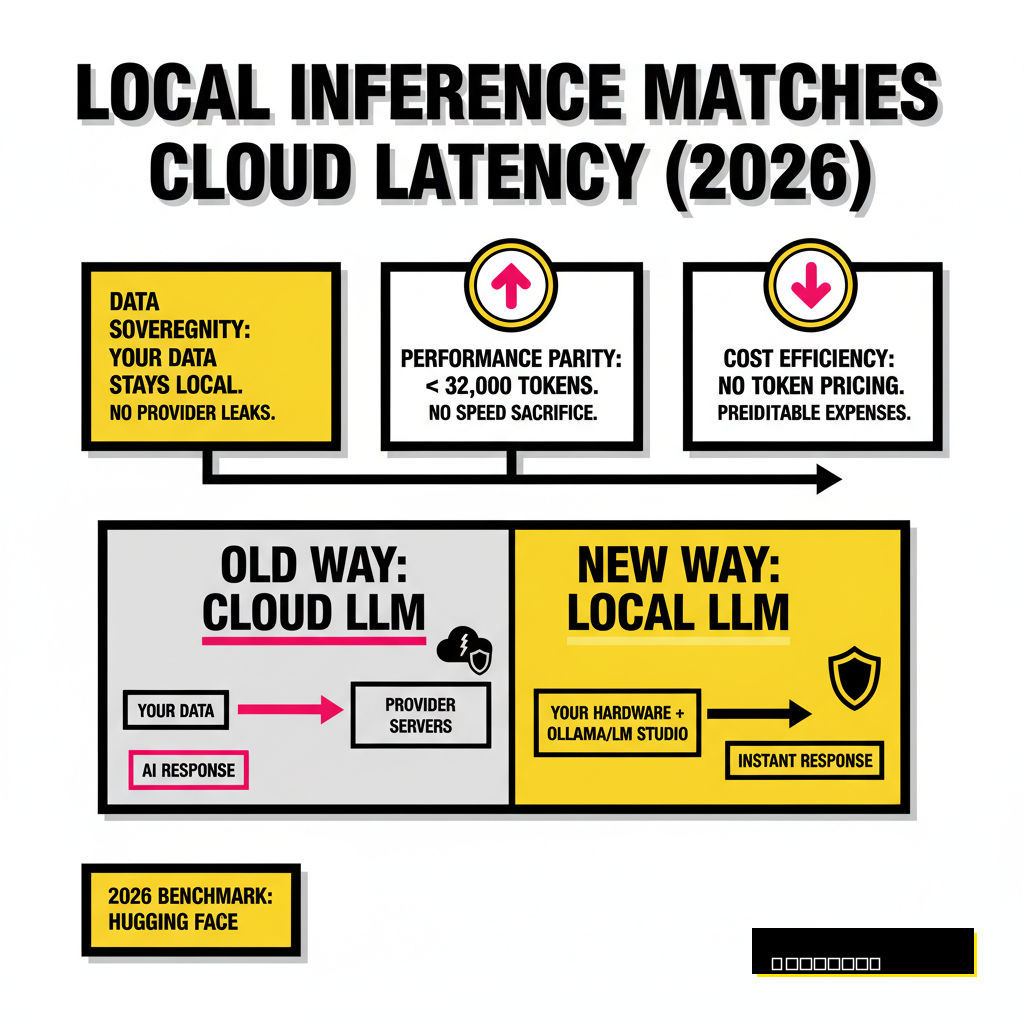
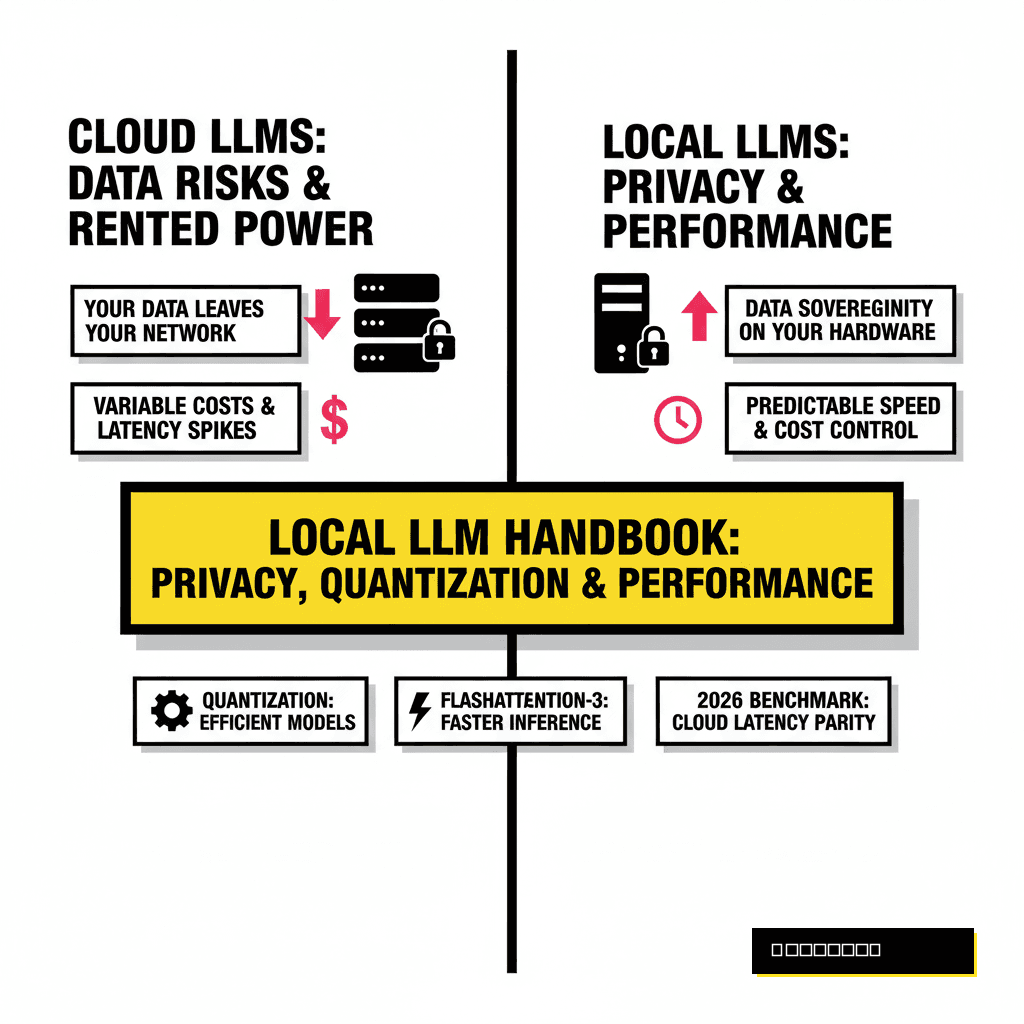
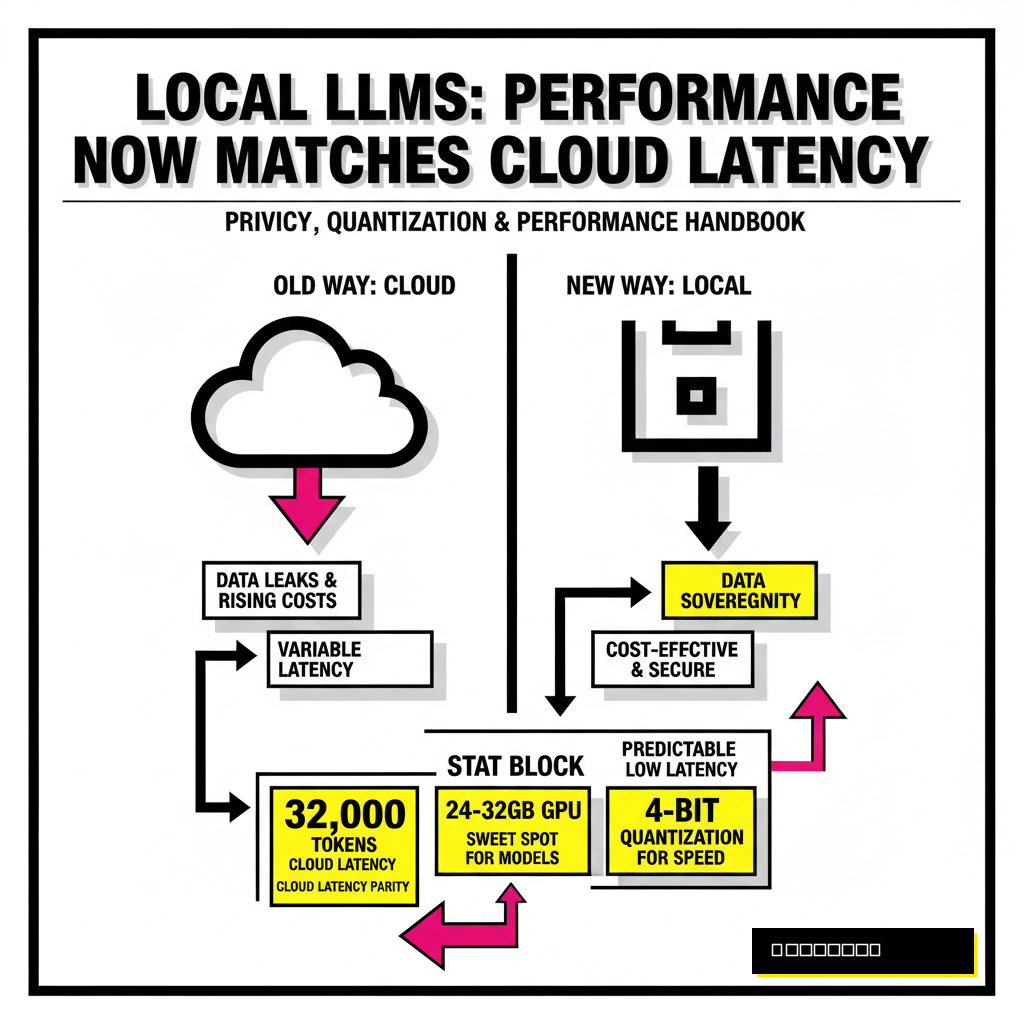
Running large language models on your own hardware used to be a hobby for enthusiasts with server racks. Hardware advancements in 2026 have made it possible for any developer to maintain a private, secure AI stack. Privacy remains the primary driver here. When you run a model like Llama 4 Scout or Qwen 3.6 locally, your data never leaves your local network. You eliminate the risk of provider data leaks and the creeping costs of token-based pricing.
Performance has also reached a critical parity. According to a recent 2026 benchmark report from Hugging Face, local inference on consumer GPUs now matches the latency of frontier cloud models for tasks under 32,000 tokens. You are no longer sacrificing speed for security. Modern tools allow you to switch between models instantly, testing how a 109B Mixture-of-Experts (MoE) architecture handles your specific codebase compared to a dense 70B model.
Beginner Path: The Zero-Friction Entry
Getting started no longer requires wrestling with CUDA drivers or complex Python environments. Tools have matured to the point of one-click installations. Ollama stands as the industry favorite for developers who prefer a command-line interface. It functions much like Docker, allowing you to pull and run models with a single command. If you prefer a graphical interface, LM Studio provides a polished environment to discover, download, and chat with models from the Hugging Face repository.
Hardware requirements have become more forgiving but remain tied to your ambitions. You can run highly optimized 8B models on a standard laptop with 16GB of RAM. Stepping up to 30B or 70B models requires dedicated VRAM, typically found in NVIDIA's RTX series or Apple's unified memory architecture. Many developers find the 2026 sweet spot is a 24GB or 32GB GPU, which comfortably fits the most popular coding and reasoning models at 4-bit quantization. For those looking for specific model recommendations, our guide on 6 lightweight LLMs you can run locally provides a detailed breakdown of the best entry-level options.
Ollama (CLI)
- Docker-like experience for model management.
- Ideal for background API serving.
- Supports Linux, macOS, and Windows natively.
- Limited manual tuning for quantization.
LM Studio (GUI)
- Visual discovery of Hugging Face GGUF models.
- Granular control over system prompts and parameters.
- Easy hardware acceleration toggles.
- Heavier resource footprint than CLI tools.
Model Formats and the 2026 Standard
Understanding the alphabet soup of model formats is essential for any power user. GGUF remains the most versatile format because it allows for split execution between your CPU and GPU. This flexibility is vital if your model exceeds your available VRAM. However, developers seeking maximum performance on NVIDIA hardware often turn to EXL2 or AWQ formats. These are designed specifically for GPU acceleration and offer significantly higher tokens per second.
NVIDIA's Blackwell architecture introduced a new contender in early 2026 called NVFP4. This native 4-bit floating-point format allows for extreme compression with almost zero loss in reasoning capabilities. When you select a format, you are balancing compatibility against raw throughput. Most production environments in 2026 utilize vLLM with AWQ or FP8 weights to maximize concurrent user support. Choosing the right format often determines whether a model feels like a snappy assistant or a sluggish typewriter.
| Format | Primary Benefit | Hardware Focus | Best Use Case |
|---|---|---|---|
| GGUF | CPU/GPU Offloading | Universal / Mac | Consumer Laptops |
| EXL2 | Extreme Throughput | NVIDIA GPUs | High-speed Chat |
| AWQ | Server Efficiency | NVIDIA / vLLM | API Serving |
| NVFP4 | Hardware Native 4-bit | Blackwell (RTX 50-series) | Frontier Performance |
Power User Optimization: Quantization Logic
Quantization is the art of reducing the precision of model weights to save memory. A standard model usually exists in 16-bit precision (BF16), which requires 2 bytes of VRAM per parameter. A 70B model would therefore need 140GB of memory, far exceeding consumer hardware. By quantizing to 4-bit (Q4), you reduce that requirement to roughly 35GB to 40GB. This compression comes at a slight cost to perplexity, a measure of how well the model predicts the next token.
Smart quantization strategies involve more than just picking a bit-depth. Modern techniques like K-Quants allow different parts of the model to be compressed at different levels. Critical attention layers might stay at 6-bit while less important feed-forward layers drop to 3-bit. This hybrid approach preserves the reasoning capabilities of the model while fitting it into a single RTX 5090. Developers often find that a well-tuned 4-bit quantization of a large model outperforms a full-precision version of a smaller model. Logic and common sense suggest that more parameters, even if slightly compressed, provide a broader knowledge base for complex tasks.
FlashAttention-3 and the Memory Bottleneck
Memory bandwidth, not raw compute power, is the bottleneck for most LLM inference. Every time the model generates a token, it must read all its weights from memory. FlashAttention-3, released in late 2024 and standard in 2026, optimizes this process by minimizing the number of times data moves between the GPU's fast cache and its main memory. It leverages asynchronous execution and the Tensor Memory Accelerator (TMA) found in newer NVIDIA chips to hide the latency of data movement.
Performance gains from FlashAttention-3 are particularly noticeable in long-context scenarios. When your prompt exceeds 100,000 tokens, the attention mechanism's quadratic scaling usually causes a massive slowdown. FlashAttention-3 maintains linear-like performance for much longer, enabling the 10-million-token context windows advertised by Meta's Llama 4 family. According to NVIDIA's technical documentation, this implementation achieves up to 85% utilization of the theoretical maximum FLOPS on H100 and B200 hardware. This efficiency is what allows a single RTX 5090 to reach over 5,000 tokens per second on smaller models like Qwen 3.5 Coder.
Building Local Production Workflows
Scaling from a personal chat assistant to a production-grade local API requires a shift in tooling. While Ollama is excellent for individual use, vLLM or TensorRT-LLM are designed for high throughput and concurrent requests. These engines use PagedAttention to manage the Key-Value (KV) cache efficiently, preventing memory fragmentation when multiple users or agents are hitting the model simultaneously. If you are building agentic workflows, throughput is the metric that matters most. A slow model will cause your agents to time out or lose context during complex multi-step reasoning.
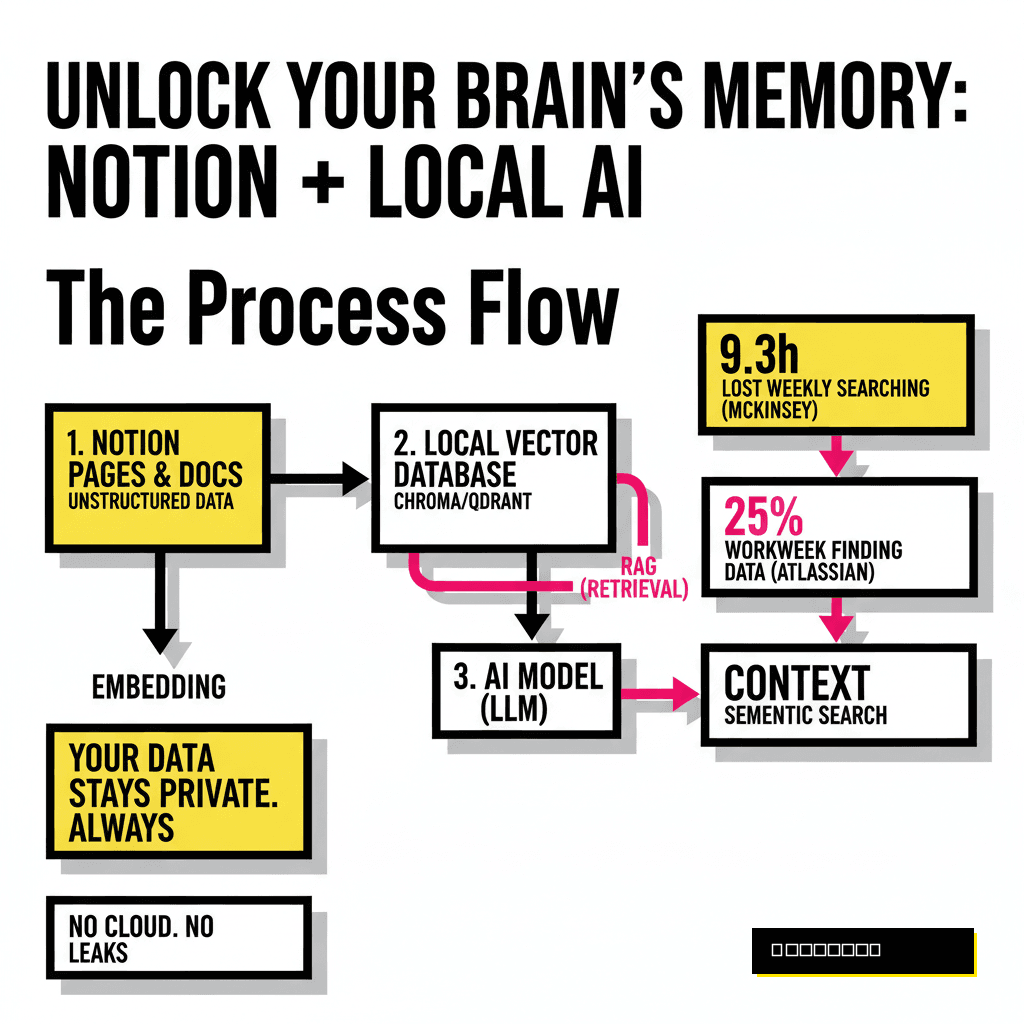
Integration with local Retrieval-Augmented Generation (RAG) is the final piece of the puzzle. By connecting your local LLM to a vector database like Weaviate, you can provide the model with access to your private documentation and codebase. This setup creates a powerful, air-gapped intelligence system that rivals enterprise cloud solutions. For a deeper look at scaling these systems, see our analysis of Pinecone vs. Weaviate for cost-effective RAG. The transition to local AI is no longer a compromise. It is a strategic choice for developers who value privacy, control, and the ability to optimize every bit of their stack.